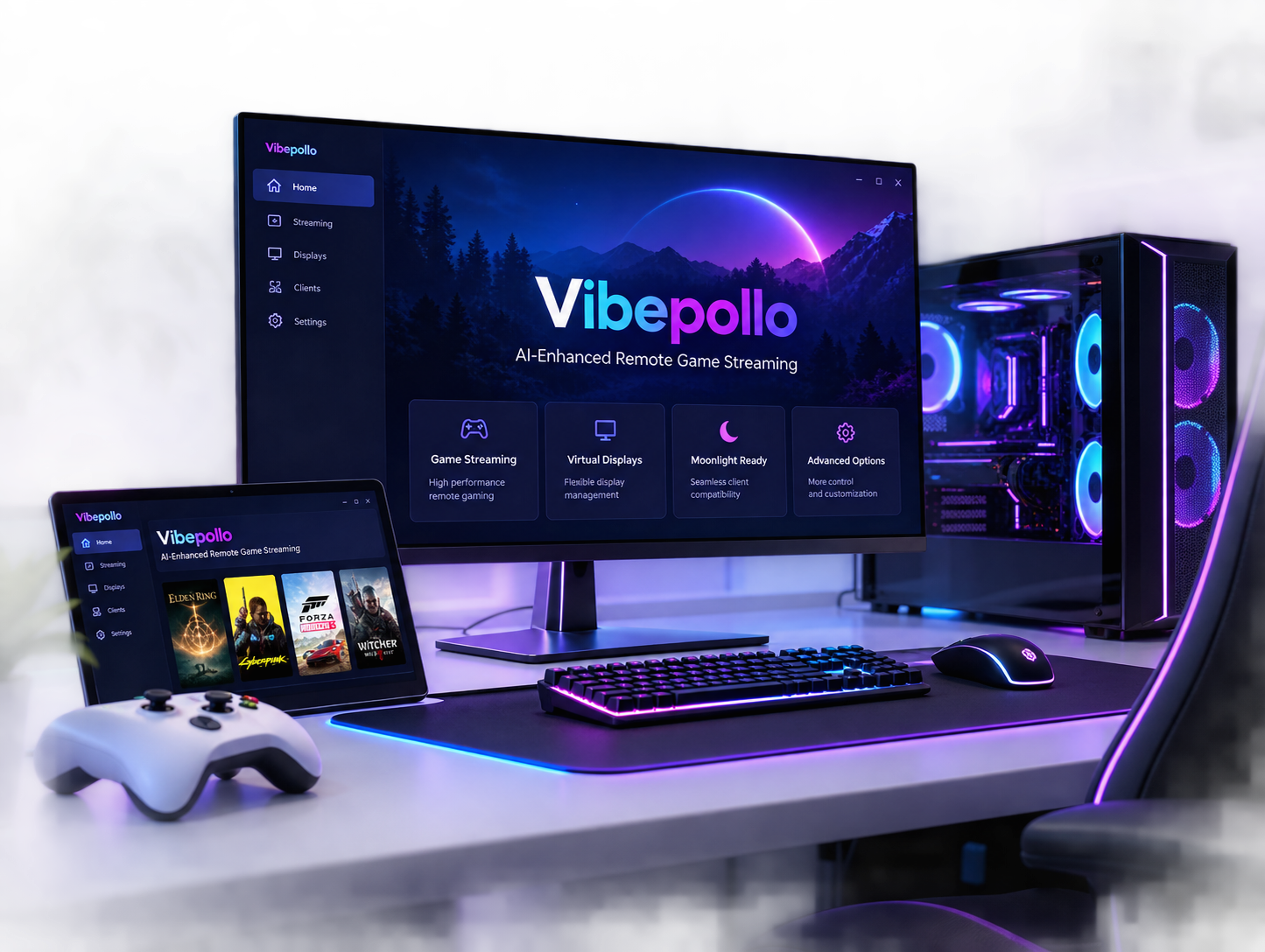
Vibepollo – AI-Enhanced Remote Game Streaming
Discover Vibepollo, an enhanced Apollo-based remote streaming host designed for flexible PC gaming and desktop access. Explore advanced display management, virtual monitor capabilities, and smooth streaming with compatible Moonlight clients.
What Is Vibepollo?
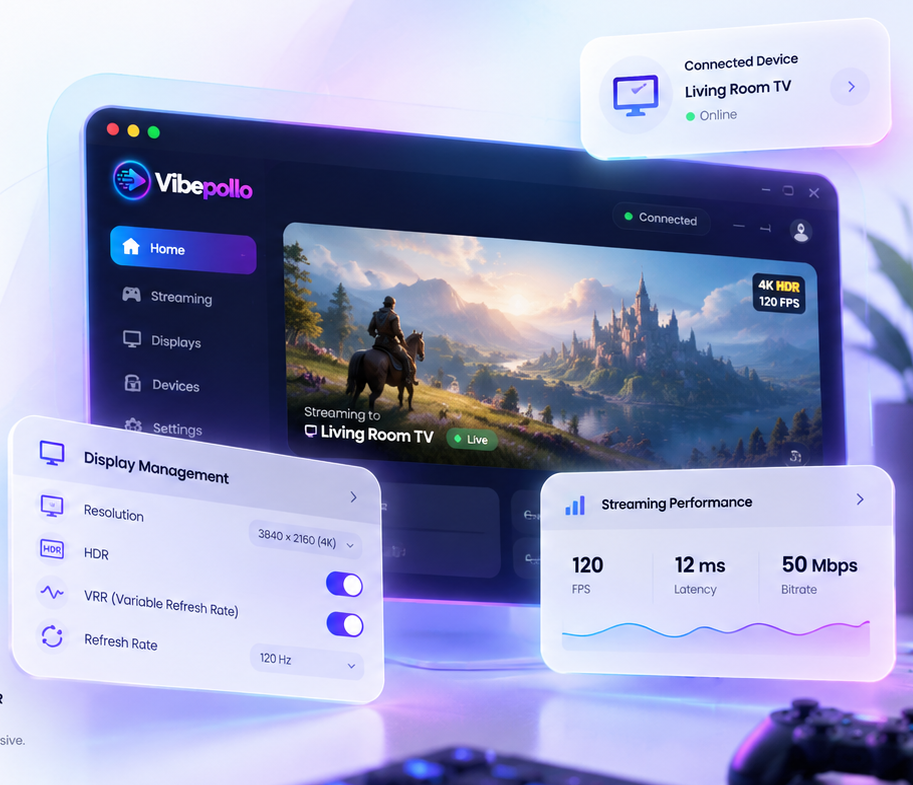
Vibepollo is an AI-enhanced remote game streaming host built on the foundations of Apollo and Sunshine. It allows users to stream PC games and access their desktop remotely using compatible Moonlight clients. Designed for gaming and remote desktop access, Vibepollo combines advanced streaming capabilities with flexible display management to create a more customizable experience.
With Vibepollo, users can explore features such as automatic display management, virtual monitors, and advanced streaming controls. Whether you want to play PC games on another device or access your computer remotely, Vibepollo offers useful tools for managing your streaming sessions, display configurations, and connected devices with greater flexibility.
Powerful Features of Vibepollo
Vibepollo brings advanced streaming capabilities, intelligent display management, and flexible remote gaming features together. Explore the tools that make Vibepollo a customizable solution for streaming PC games and accessing your desktop remotely.
Automatic Display Management
Vibepollo helps automate display configuration during remote streaming sessions. Manage display settings, resolutions, and monitor behavior more conveniently, reducing the need for repeated manual adjustments when connecting to your PC remotely.
Virtual Display Support
Create and manage virtual displays for more flexible remote gaming and desktop sessions. Vibepollo offers additional control over display configurations, helping users work with different resolutions and streaming arrangements without relying entirely on physical monitors.
Smooth VRR Streaming
Enjoy smoother gameplay with variable refresh rate (VRR) capabilities on compatible setups. Vibepollo provides streaming options designed to improve frame presentation and responsiveness, helping reduce visible tearing and stuttering when supported by your hardware and client.
HDR Streaming Support
Experience high dynamic range (HDR) streaming when using supported hardware, displays, and compatible clients. Vibepollo supports advanced display configurations that can preserve richer colors, brighter highlights, and greater visual detail in supported games and desktop sessions.
Advanced Gamepad Support
Connect compatible game controllers and manage input during remote gaming sessions. Vibepollo includes enhanced gamepad functionality, including a Windows virtual gamepad driver, to offer additional input options across supported streaming configurations and devices.
Windows & Linux Support
Explore Vibepollo on supported Windows systems and its developing native Linux host. Linux support is currently in beta, so available features and compatibility may vary depending on your operating system, hardware, and streaming environment.
How Does Vibepollo Work?
Vibepollo works as a remote streaming host, allowing users to stream PC games and desktop sessions to compatible devices through Moonlight. Set up your host PC, pair a compatible client, and start streaming in three simple steps.
Install Vibepollo
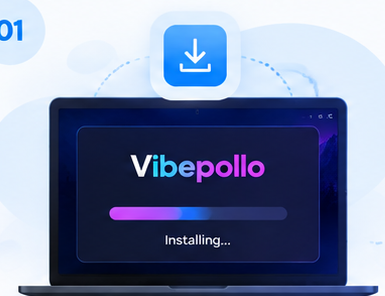
Download and install Vibepollo on your supported Windows or Linux host PC. Follow the initial setup instructions and configure your display and streaming preferences before connecting a remote device.
Connect Moonlight
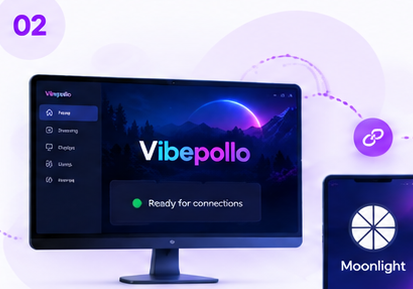
Install Moonlight on your compatible device and pair it with your Vibepollo host. For an easier initial setup, connect both devices to the same network and complete the pairing process using the on-screen instructions.
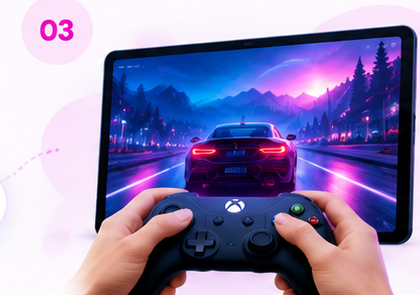
Start Streaming
Launch your favorite PC games or access your desktop remotely through Moonlight. Vibepollo provides advanced display options and compatible controller support to help you enjoy a flexible gaming and remote streaming experience.
How to Download and Install Vibepollo
Get started with Vibepollo on your supported operating system. Download the installation files, follow the setup instructions, and prepare your PC for remote game streaming.
Download Vibepollo for Windows
Download the Vibepollo Windows ZIP package directly from our website. Extract the ZIP, open the included installation file, and configure Vibepollo on your compatible host PC to prepare for remote gaming.
- ✓ Download the Windows ZIP package.
- ✓ Extract the ZIP and run the installer.
- ✓ Complete setup and connect Moonlight.
Download Vibepollo for Linux
Download the Vibepollo Linux beta package for supported Arch Linux and CachyOS x86_64 systems. Extract the downloaded ZIP to access the package, then complete installation with the required dependencies and drivers.
- ✓ Download the Linux beta ZIP package.
- ✓ Extract the archive and install the package.
- ✓ Configure dependencies and pair Moonlight.
Connect Vibepollo With Moonlight
After installing Vibepollo, configure your host and install Moonlight on your compatible client device. Download the Moonlight Windows ZIP below, extract the installer, and complete the pairing process using the displayed PIN.
Vibepollo System Requirements & Compatibility
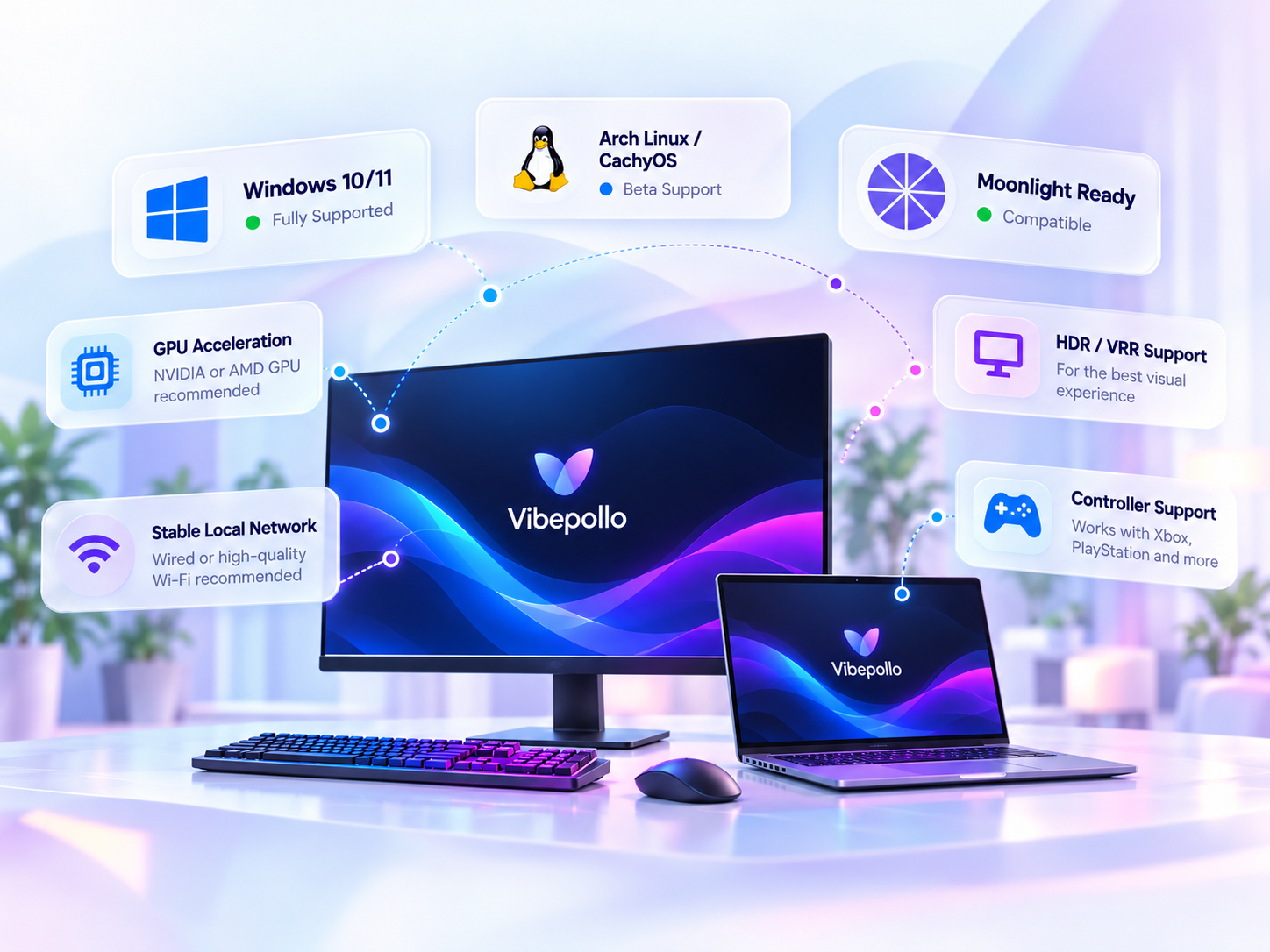
Before installing Vibepollo, check your operating system, hardware capabilities, and Moonlight client compatibility. A supported host, updated drivers, and reliable networking help deliver a smoother remote game streaming experience.
Windows Host
Windows 10/11 with compatible graphics hardware and updated drivers.
Linux Beta
Beta packages for supported Arch Linux and CachyOS x86_64 environments.
Moonlight Clients
Stream to compatible Windows, macOS, Linux, Android, iOS, and other clients.
Vibepollo vs Sunshine vs Apollo
Vibepollo, Sunshine, and Apollo are related self-hosted streaming projects, but each has a different development focus. Compare their supported workflows, display technologies, and platform options to understand which approach suits your remote gaming setup.
| Feature / Criteria |
V
Vibepollo
Apollo-based fork
|
☀
Sunshine
|
A
Apollo
|
|---|---|---|---|
| Project Focus | Display automation, streamlined controls, and expanded host features | General-purpose, self-hosted streaming with Moonlight | Client-matched virtual displays and extended streaming controls |
| Project Relationship | Built from Apollo | Upstream project | Sunshine fork |
| Display Management | Expanded automation | Display configuration through host settings and supported tools | Automatic client resolution and refresh-rate matching |
| Virtual Displays | ✓ Bundled virtual display driver and managed displays | Possible through compatible virtual display solutions | ✓ Built-in Windows virtual display using SudoVDA |
| Moonlight Compatibility | ✓ Compatible | ✓ Native Moonlight host | ✓ Moonlight / Artemis clients |
| Linux Host | Arch / CachyOS beta | Established Linux support | Linux capabilities vary; virtual display support is Windows-focused |
| Configuration Approach | Task-focused web interface and automated recovery options | Web interface with extensive host configuration options | Web interface with client permissions and display controls |
| Distinctive Capability | Playnite integration and display-state recovery | Broad operating-system coverage and encoding options | Client permission management and clipboard sync |
| Worth Exploring If | You want Apollo-style streaming with extra display automation | You prefer a versatile general-purpose Moonlight host | You prioritize per-client virtual displays and permissions |
Swipe horizontally to view all columns on smaller screens. Features can vary by operating system, release, hardware, and configuration.
All three serve remote streaming users. The right choice depends on your operating system and preferred workflow.
Focuses on display automation, recovery tools, a streamlined interface, and an evolving Linux beta.
A flexible self-hosted option with broad platform support and hardware encoding choices.
Emphasizes client-matched virtual displays, permissions, and additional remote controls.
Vibepollo Troubleshooting Common Issues & Fixes
Experiencing a streaming problem? Search for your issue and follow practical checks for connectivity, display output, controllers, and performance. Find a possible solution before changing advanced host settings.
Moonlight Not Connecting Host discovery or pairing fails Connection
- Confirm Vibepollo is running on the host and its web interface is accessible.
- Check that the client and host are on the same local network for initial pairing.
- Verify the host firewall permits the required streaming connections.
- Retry pairing using the PIN displayed by Moonlight and enter it on the host.
Black Screen During Streaming Stream connects but video stays blank Display
- Check whether Windows or Linux recognizes the intended physical or virtual display.
- Update or reinstall the appropriate graphics driver if video capture is failing.
- Temporarily disable HDR to test whether the issue involves display compatibility.
- Restart the streaming host and reconnect after verifying the selected display.
Streaming Lag or Stuttering High latency or inconsistent frame rate Performance
- Try wired Ethernet for the host or a stronger Wi-Fi connection.
- Lower the streaming bitrate and test a reduced resolution or frame rate.
- Close bandwidth-heavy applications on the host and client networks.
- Check Moonlight performance statistics to identify network, decoding, or host delays.
Controller Not Working Gamepad is missing or buttons do not respond Input
- Test the controller locally on your Moonlight client before streaming.
- Check whether the client forwards controller input to the host.
- Verify the host has the required virtual gamepad driver installed.
- Reconnect the controller and restart the game if it was launched before detection.
HDR / VRR Not Working Advanced display options are unavailable Video
- Confirm your GPU, display, and client support the requested feature.
- Check HDR and refresh-rate settings on the host operating system.
- Verify that the selected virtual or physical display supports the chosen mode.
- Test standard SDR streaming to isolate a possible HDR-specific problem.
Virtual Display Not Detected Virtual monitor is missing or inactive Display
- Confirm the virtual display driver was installed successfully.
- Look for the display in your operating system's monitor settings.
- Check Vibepollo display-management settings and selected output.
- Restart the host or display service if a driver change requires it.
Stream Smarter.
Stay Protected.
Vibepollo allows you to stream PC games and desktop sessions remotely. Follow sensible security practices to protect your host computer, trusted devices, and personal information while using remote access.
Secure Device Pairing
Approve Moonlight pairing requests only for devices you know and control.
Learn more
Protect Your Host PC
Secure your Windows or Linux account and keep important software updated.
Learn more
Safe Remote Access
Avoid unnecessarily exposing your streaming host directly to the internet.
Learn more
Download Authenticity
Check where installation files originated before running them.
Learn more
Privacy Best Practices
Be mindful of personal information visible during desktop sharing.
Learn more
Streaming Safety Checklist
Four precautions to review before starting your next remote session.
Important to Remember
Vibepollo is a self-hosted streaming tool. Your security also depends on how you configure and maintain your system.
Vibepollo Updates, Releases & What's New
Stay informed about Vibepollo releases, software improvements, bug fixes, and Linux beta development. Explore important changes and access official version information whenever you need it.
Latest Listed Stable Release
StableThis release includes improvements to the v2 web interface and fixes a version labeling issue that could trigger incorrect update notifications. The 1.18.4 series also addresses virtual display activation and HDR fallback behavior.
Linux Beta Development
Vibepollo provides Linux beta packages for supported environments, including Arch Linux and CachyOS. Before updating, check package requirements, dependencies, and compatibility with your host system.
Previous Versions
Explore older Vibepollo versions to review changelogs, downloaded release assets, and previous fixes. Always confirm that an older release is compatible with your operating system before installing it.
Frequently Asked Questions About Vibepollo
Explore answers to common questions about Vibepollo, supported games, remote input, virtual displays, and advanced streaming options. Select any question to read its answer.
Getting Started
Basic questions about Vibepollo
Is Vibepollo free and open-source?
Yes. Vibepollo is available as an open-source project on GitHub. Its repository includes source code and licensing information, while official releases provide downloadable software packages. Review the project license for the applicable terms.
Can Vibepollo stream non-Steam games?
Yes. Vibepollo is not limited to Steam. You can configure supported games and desktop applications in the host interface. Depending on your setup, you may also stream the desktop and launch an application manually.
Can I use Vibepollo without a physical monitor?
Vibepollo includes virtual display functionality for supported setups. This can enable headless streaming without keeping a physical monitor connected. Requirements vary by operating system, graphics hardware, and the display driver in use.
Does Vibepollo support keyboard and mouse input?
Vibepollo supports remote input through compatible Moonlight clients, including keyboard and mouse interaction where supported. The exact controls available depend on the client device, operating system, and input configuration.
Advanced Usage
Streaming options and project support
Can multiple devices connect to one Vibepollo host?
Newer Vibepollo releases include multi-client capabilities, including Remote Monitor functionality. The Vibepollo 2.0.0 release notes describe support for up to four Moonlight clients. Availability depends on your installed version and host resources.
Can I change the streaming resolution?
Yes. Vibepollo provides display and streaming configuration options, including client-matched resolutions on compatible setups. Supported refresh rates and resolutions depend on the selected display, GPU, streaming client, and host settings.
Does Vibepollo work outside my home network?
Remote streaming outside your local network is possible with appropriate network configuration. A trusted VPN is worth considering instead of exposing your host directly to the internet. Connection quality will depend on your upload speed, latency, and network.
Where can I report a Vibepollo bug?
You can report reproducible bugs in the official GitHub issue tracker. Include your software version, operating system, steps to reproduce the issue, and relevant logs after removing sensitive information.
Have a Question That Isn't Listed?
Explore Vibepollo's public discussions for additional technical questions and community answers.